Write and organise
Create documents with headings, lists, and text formatting. Keep your writing alongside the other parts of your project.
 manhaj.
 Maktab
Bring writing, spreadsheets, drawings, and records together in one workspace. Maktab helps you move from an idea to a document, a calculation, or a visual plan without scattering your work across separate tools.
maktab.manhaj.dev
Create documents with headings, lists, and text formatting. Keep your writing alongside the other parts of your project.
Build spreadsheets with formulas, select and edit ranges, and copy or paste blocks of cells.
Arrange shapes, connections, and text into drawings and diagrams. Add images and captions to explain an idea visually.
Create tables for contacts, inventory, or projects. Add records through forms, then filter and sort to find what you need.
Use a table’s results in a report or spreadsheet. Refresh the snapshot when you want to bring in updated information.
Import Word and Excel files, and download your work in supported document, spreadsheet, or image formats. Conversion notes explain anything that could not carry across.
From the app itself.
Select an image for a closer look.
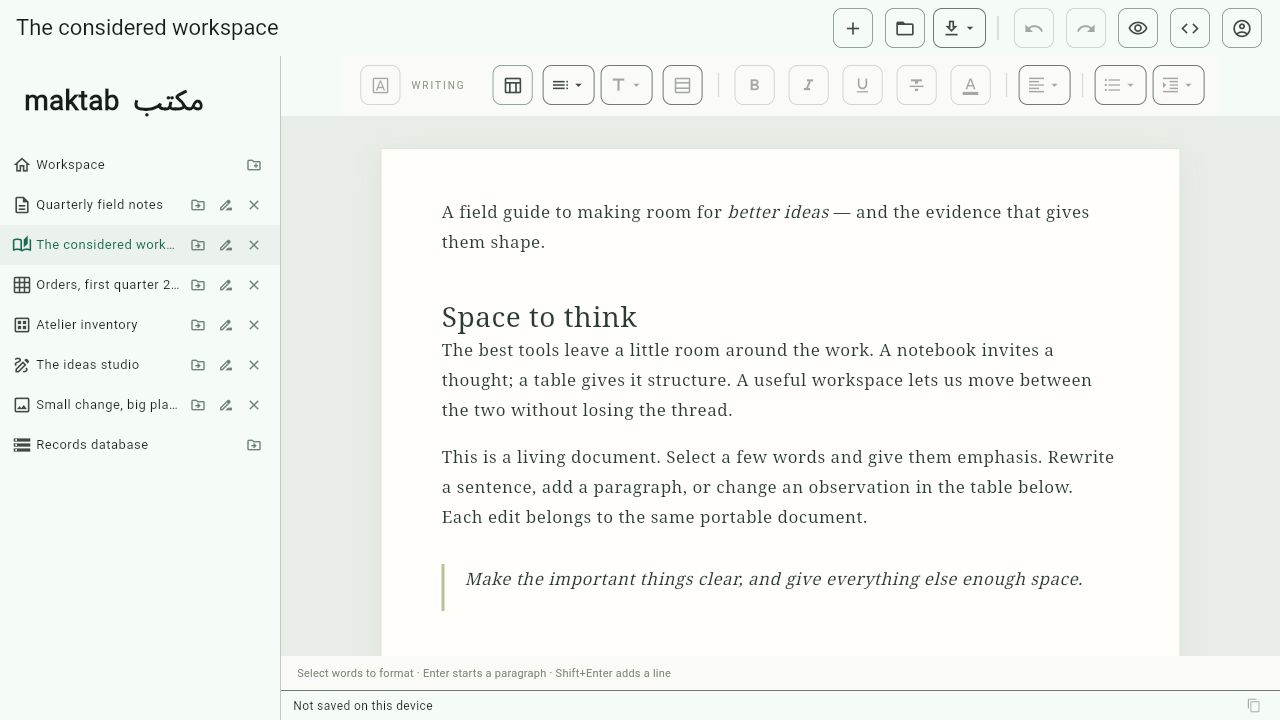
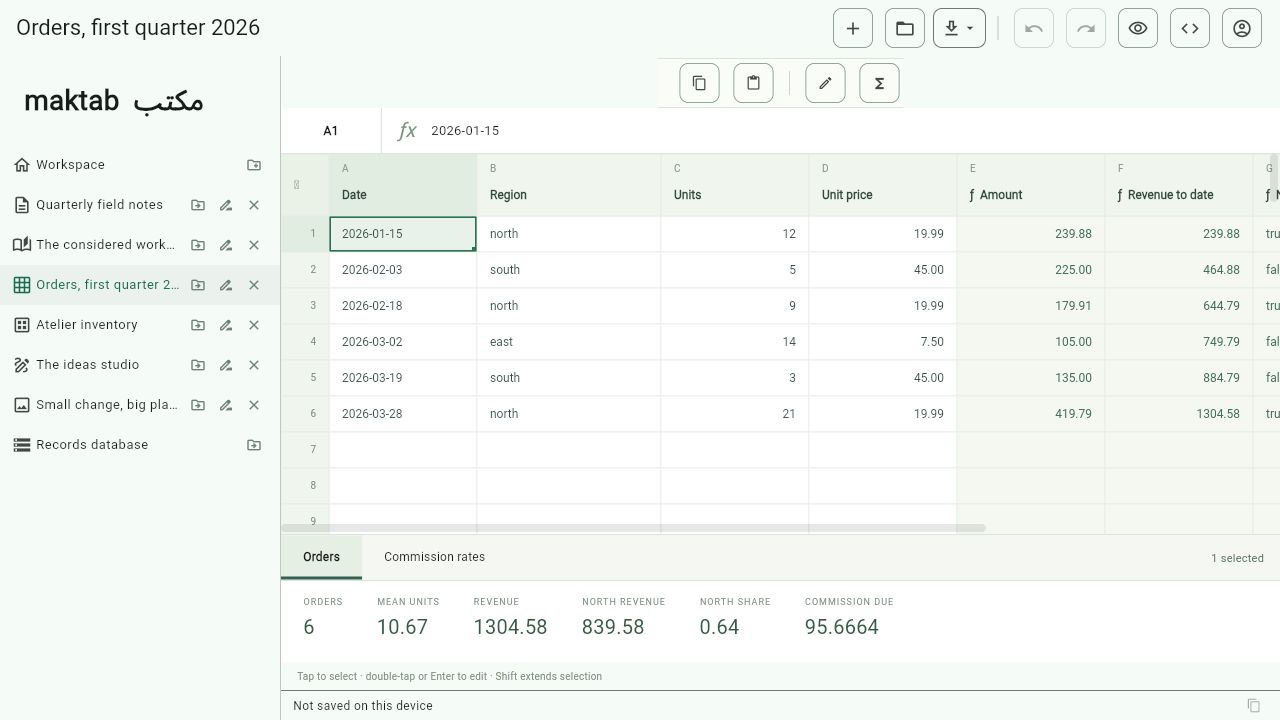
Maktab is an early preview under active development. Editing and file conversion are still being refined; keep original copies of important work.
Choose your platform and package.
Build dates are shown for each download.
59d3f4b00ec9d3325134abffcadfd68852e8db1113afd87b01645c715e3de225f73ac49850138895346f939f7f4893f69fe39776884230c54ba49f5bcc80e1afc53cb4f2f59a3069c6e9e82ea1f00e6fdd417e2446819420dfd9d8472edde4b3e46e65568e8a131dca3967155db30cfbf3dbb922dd66d8a5efe124d1df957683For Windows 10 or later (64-bit). Choose the setup installer for shortcuts and easy removal, or extract the portable ZIP and keep all its files together. On Android 7.0 or later, extract the ZIP, then open the APK to install Maktab.
These are the latest release builds available here; older builds may predate recent features. Download checksums.
Explore the rest of our software collection.